You can make specific ticket types available only with the purchase of another ticket type. This can be useful for selling merchandise and add-ons, such as:
- t-shirts
- parking passes
- child tickets
- meet & greet passes
- etc.
First, create all ticket types under Tickets > Add/Edit. (See also: Basic Event Setup)
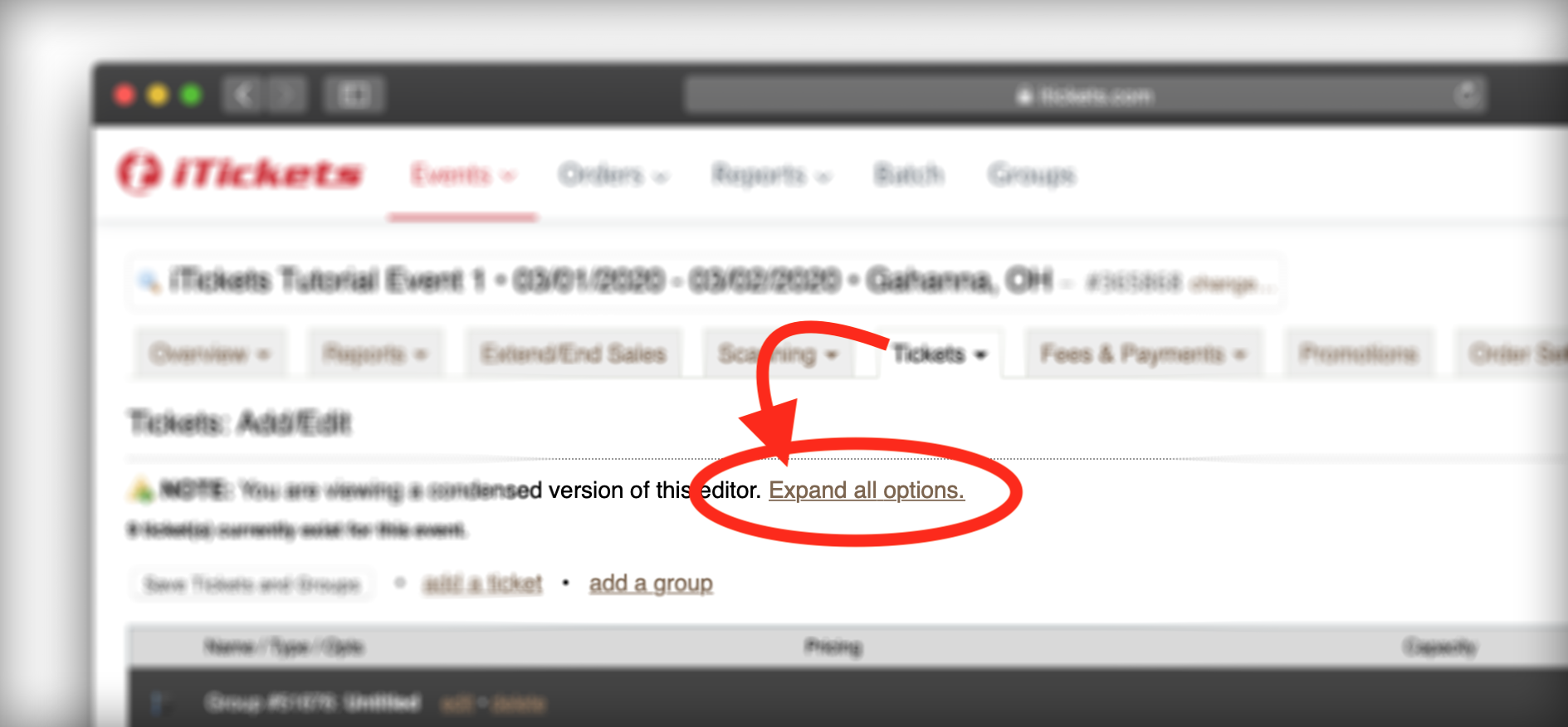
Next, click "expand all options."
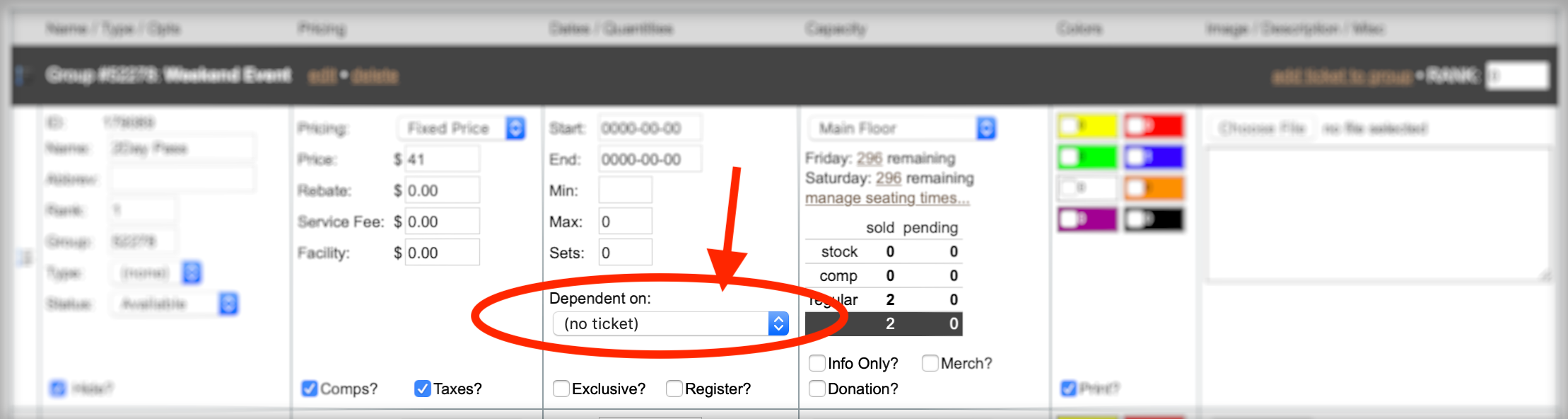
In the Dates/Quantities column, use the drop menu labelled "Dependent on" and save.
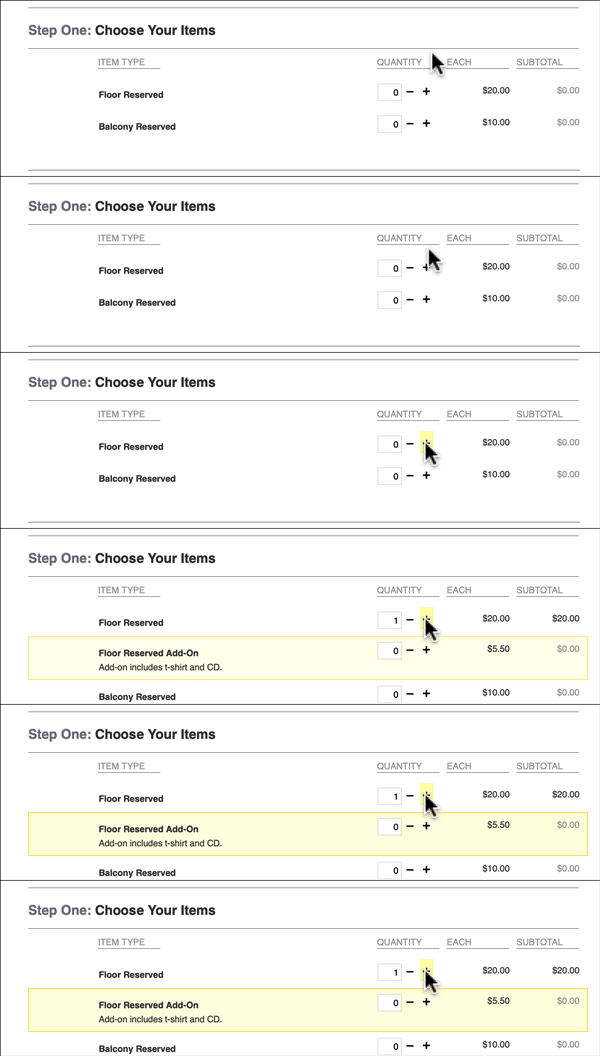
Finally, go to Overview > View Event Page. Walk through the order process as a customer, and make sure the results match everything that you expect.
Notes
- A ticket type cannot be dependent on more than one ticket type.
- Admin users can can override the dependent feature on the admin order form. It will alert them and ask them to confirm.
- This feature does not control quantities purchased. (For example, you cannot limit customers to one child ticket per adult ticket purchased. For this scenario, consider a bundle ticket type instead.)