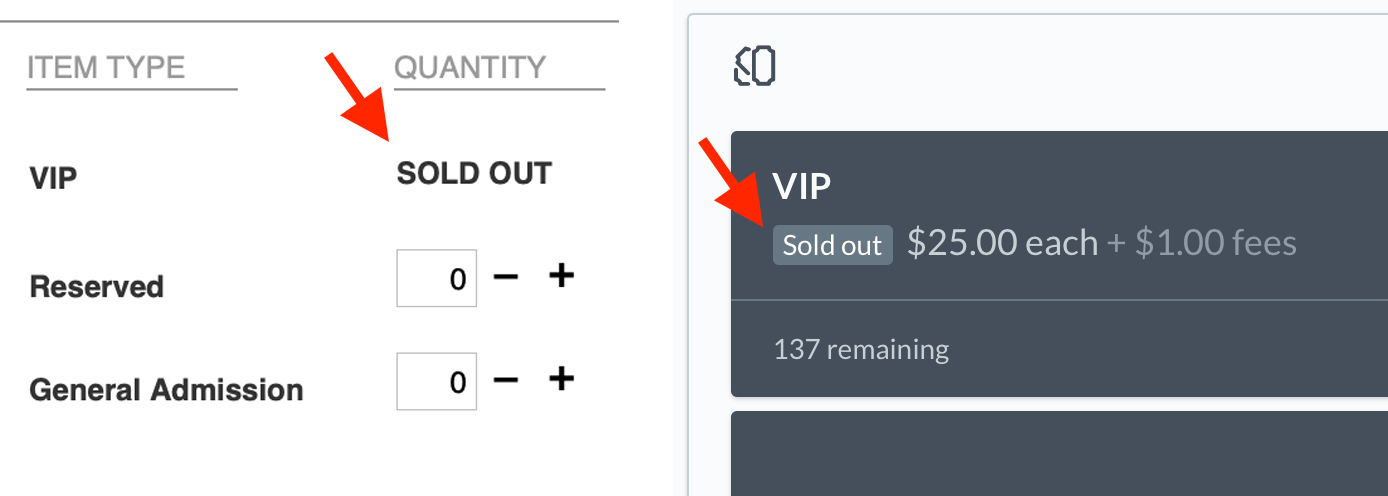
See Also: Hidden Tickets
To mark a ticket type as unavailable or sold out, go to Tickets > Add/Edit. Select the appropriate status, and click Save.
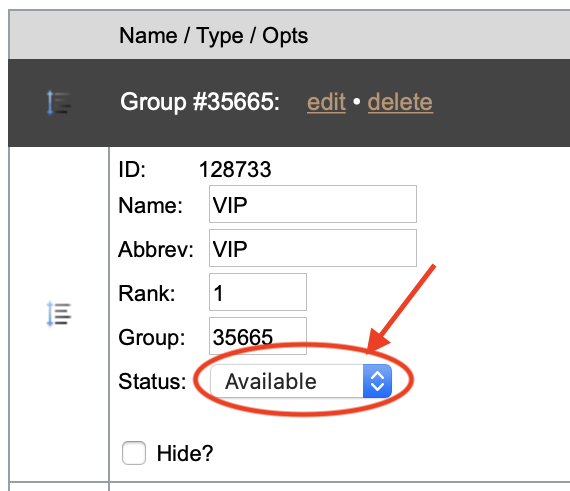
This will make the ticket type unavailable to both the customer and admin order forms. If you still want to let admins order the ticket, hide it instead.